
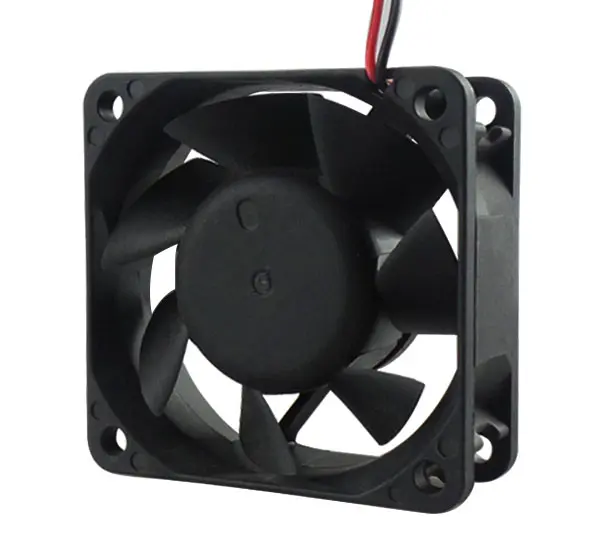

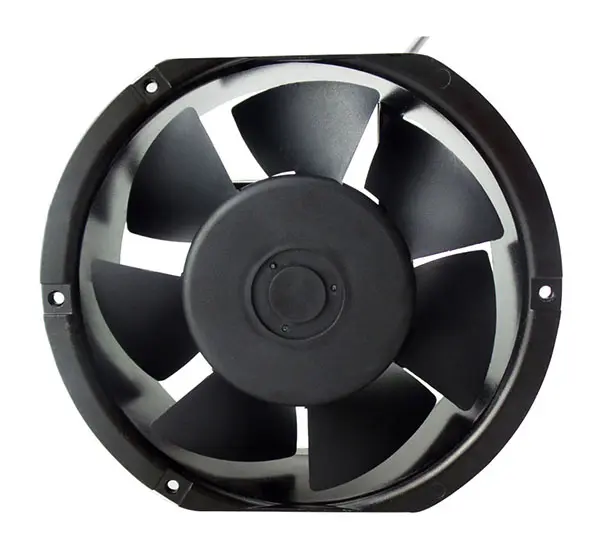
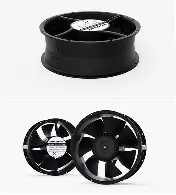
These statements about the cooling fans are actually not reliable.
Myth 1: The higher the rotational speed, the better the cooling effect.
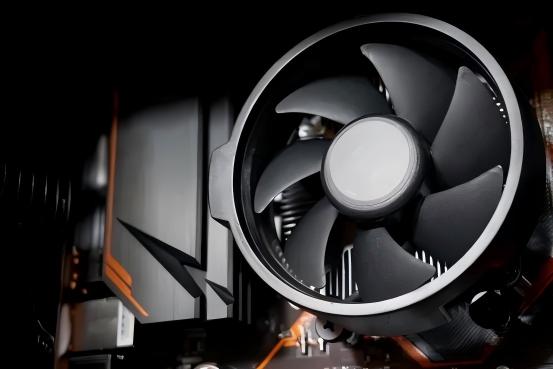
"Setting the fanspeed to the maximum ensures no problem with cooling" is a common belief held by many users. However, the cooling efficiency of a Cooling Fan is not solely determined by its rotational speed; rather, it depends on factors such as air volume, air pressure, and the compatibility of the overall cooling system. Although increasing the rotational speed can increase the air volume to some extent, once the rotational speed exceeds a certain threshold, the increase in air volume tends to reach saturation and enter a plateau phase. Noise levels, power consumption, and mechanical vibrations will significantly increase in a non-linear manner. More importantly, if the fan's air pressure characteristics do not match the structure of the heat sink - for example, using a high-rotational-speed but low-air-pressure fan on a CPU heat sink with dense fins - the airflow is difficult to effectively penetrate the gap between the fins, resulting in a large amount of air remaining on the heat sink surface, reducing the actual air flow involved in heat exchange and lowering the cooling efficiency, even worse than a model with a lower rotational speed but suitable air pressure. Moreover, operating at extremely high rotational speeds for a long time will accelerate bearing wear and shorten the lifespan of the fan.
Correct approach: Select the appropriate fan model based on the specific cooling scenario. For CPU heat sinks, it is recommended to choose a fan model with balanced air pressure and air volume; for use in case fans, a model with high air volume can be preferred. At the same time, it is recommended to configure an intelligent speed control strategy through the motherboard BIOS or dedicated temperature control software, dynamically adjusting the fan speed based on the real-time temperature of the hardware, thereby achieving the optimal balance between cooling performance and operating noise.
Myth 2: The more fans there are, the more efficient the cooling system will be.
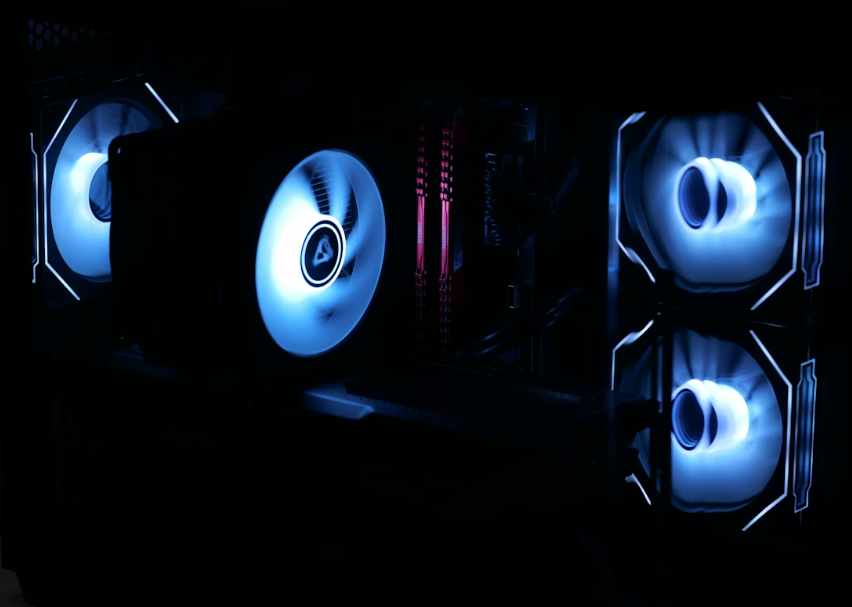
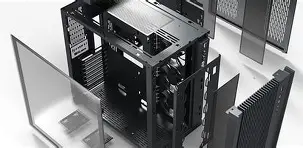
Some users, when assembling computers or modifying devices, believe that "one more fan means one more cooling capacity", and thus blindly increase the number of fans. However, in reality, this may cause airflow disorder and actually reduce the cooling efficiency. The key to cooling is to form an orderly airflow path: cold air enters through the intake port, flows through the heat-generating components, and is then expelled through the exhaust port. If fans are randomly added, for example, installing multiple intake fans on the same side, it will cause airflow interference and vortices, increase air resistance, and weaken the cooling effect; if there are too many Exhaust Fans, it is likely to cause excessive negative pressure, resulting in a large amount of dust being sucked in through the gaps. For mini computers and other small devices, too many fans will also occupy space and hinder air circulation.
Correct approach: First, plan the airflow path, following the principle of "forward into, backward out, bottom in, top out"; determine the number of fans reasonably based on the size of the device and the heat generation; for ordinary desktop computers, usually 2-3 fans (1-2 intake fans and 1 exhaust fan) are sufficient; ensure that all fans are in the same direction to avoid reverse installation that cancels out the airflow.
Myth 3: Focusing only on fan parameters while ignoring the combination of heat sinks and thermal conductors
Many users when making purchases only pay attention to parameters such as fan speed and air volume, but they overlook a crucial point: The fan is merely an "auxiliary role", and its effectiveness depends on the collaborative action of the heat sink and the thermal conductive medium. The complete cooling process is as follows: The heat generated by the heat-producing component (such as the CPU) is conducted through thermal conductive silicone to the heat sink, and then the fan airflow removes the heat. If the heat sink material is poor (such as using plastic instead of aluminum alloy), the fin design is unreasonable (with too small or too large spacing), or the thermal conductive silicone is dried out or unevenly applied, even with a top-of-the-line fan, the heat cannot be effectively transferred and dissipated, and the cooling effect will still significantly decrease. Once a user replaced the fan of a graphics card with a high-end one, the temperature only dropped by 2–3°C, and eventually discovered that the silicone between the GPU and the heat sink had hardened and failed.
Correct approach: Select fans, heat sinks, and thermal conductive materials as an integrated system. Prioritize choosing heat sink materials of high quality (such as pure copper base + aluminum alloy fins), and fins with reasonable density; regularly check and replace the thermal conductive silicone, applying it following the principle of "thin and uniform", covering the entire heat-generating surface.
Myth 4: Fans don't need cleaning; just replace them when they break.
"Letting the fan run without intervention" is a common cause of reduced cooling performance. During operation, the fan continuously accumulates dust, which gathers on the fan blades, bearings, and heat sinks, affecting efficiency: Dust on the fan blades disrupts the aerodynamic balance, reducing air volume and pressure; dust on the bearings increases friction, causing a decrease in rotational speed, increased noise, and in severe cases, jamming or complete stoppage; blockage of the heat sinks hinders airflow and significantly reduces the cooling capacity. Moreover, dust can also cause electrical short circuits, leading to equipment malfunctions.
Correct approach: Clean the fan regularly every 3-6 months; use a soft-bristled brush to clean the fan blades and heat sinks, and use compressed air to remove dust from gaps (do not use wet cloths to clean the electrical parts); if there is abnormal noise or unstable rotation speed, promptly check the condition of the bearings and replace the fan if necessary.
Myth 5: "Installing Fans in Reverse Can Enhance Heat Dissipation"
There is a rumor that "installing fans in reverse can change the airflow direction and thus remove more heat", but users often find that the device's temperature does not decrease but increases instead. The fundamental reason lies in confusing the intake and exhaust design of the fan. The fan blades and the deflector are optimized for unidirectional airflow, and when installed in the forward direction, the airflow is concentrated and stable; when installed in reverse, the aerodynamic efficiency drops significantly, the air volume decreases by more than 50%, and strong turbulence and noise are generated. More seriously, the reverse airflow will damage the original air duct, hinder the expulsion of hot air, and cause heat accumulation.
Correct approach: The fan must be installed according to the airflow direction indication on the fan to ensure that the intake and exhaust match the system air duct; if the airflow direction needs to be adjusted, a dedicated bidirectional adjustable fan should be replaced to avoid forcibly installing a regular fan in reverse.
The core logic of a cooling fan - "matching" and "orderliness"
The cooling effect of a cooling fan is not determined by a single parameter or quantity, but rather by "the matching between the fan and the cooling system", "the orderly flow of air", and "regular maintenance". By avoiding the aforementioned misunderstandings and selecting the appropriate fan based on the heat generation and structural characteristics of the equipment, and constructing a reasonable air duct, the cooling efficiency can be fully utilized, ensuring the stable operation of the equipment.
Shenzhen Fuqingda Electronic Technology Co., Ltd. has over 20 years of experience in manufacturing cooling fans and has always been committed to providing customers with efficient and reliable cooling solutions. Our products come in a wide range of specifications, support small batch orders, and possess professional OEM and ODM capabilities. If you have any cooling needs, please feel free to contact us at any time. We will be more than happy to serve you.